
Listen: the TV explains itself
Read along
- Narrator: A smart TV does not need a camera to learn what you watch. Researchers at Northeastern University tested whether turning the setting off actually works.
- Tyson: Okay, TV. What is ACR?
- TV: Automatic content recognition. I work out what is on my screen, send a match to a server, and the server compares it with a library of shows and ads.
- Tyson: Even when I plug in my own box?
- TV: In the study, five of the seven systems with a confirmed tracking channel sent that traffic during HDMI playback. Netflix and YouTube did not trigger it.
- Tyson: Fine. I turn it off and I am safe.
- TV: That depends on who made me. Opting out fully worked on LG, Fire TV, Sony Google TV and VIDAA. On the Samsung tested, tracking-like traffic kept flowing in all 30 opted-out tests of its streaming service. On Vizio, opting out made no observable difference.
- Narrator: The traffic is encrypted, so the researchers say this points to opt-outs that may not work. It is not proof of what happens to your data.
- Tyson: So what do I do?
- TV: Turn off every setting the menu lets you turn off. Or disconnect me from the internet and use a streaming stick.
- Narrator: The steps for your brand, a quiz and a checklist are below.
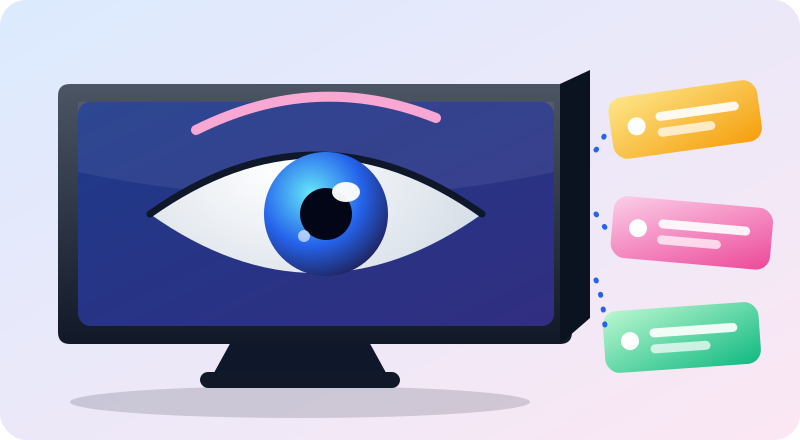
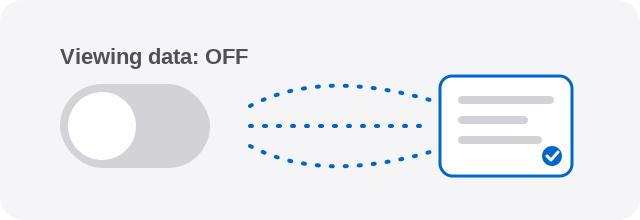
They call it a smart TV. I call it a nosy TV, because it cannot mind its own business. It even has a privacy switch, and you flip it to OFF, and you figure that is the end of it. A team of university researchers tested that idea on 12 TVs. On some of them, the answer was no. On some smart TVs, off does not mean off.
It's very easy to opt in, but to opt out, it's an extensive process.Zubair Shafiq, UC Davis, on how smart TVs handle tracking. UC Davis news, December 18, 2024.
The short version
Smart TVs have a feature that quietly works out what is on your screen. It is called ACR. Think of the Shazam app on your phone, but built into your TV. In October 2026, researchers tested whether the off switch really turns it off. On some TVs it did. On the Samsung and the Vizio they tested, it did not fully work. Below you get what they found in plain words, the steps for your brand, a quick quiz and a checklist.
What ACR is, in plain words
ACR stands for automatic content recognition. Big words, simple idea. Your TV looks at what is on its screen and makes a tiny fingerprint of it, the way a detective makes a fingerprint of a thumb. It sends that fingerprint over the internet. A computer at the TV company matches it against a huge list of shows and ads, and learns what you watched and when. No camera is involved.
How often does it look? A team at UC Davis and two other universities reported in 2024 that the TV can take snapshots of what is on screen as often as every 10 milliseconds. That is up to 100 times in a single second. The TV bundles them up and sends the fingerprint, not the raw pictures.
Up to 100 snapshots a second. Not pictures of you. Pictures of what you are watching.UC Davis, University College London and Universidad Carlos III de Madrid. Study published in 2024.
What the researchers found in October 2026
- Who did it: a team at Northeastern University in Boston. The report is called "Watching the Watchers" and came out October 22, 2026. They ran 5,943 tests on 12 TVs from ten brands.
- The good news: on LG, Amazon Fire TV, the Sony Google TV they tested, and VIDAA TVs, flipping the switch to OFF stopped the tracking-like traffic they were watching for.
- The bad news: on the Samsung they tested, the switch did not fully work. The tracking-like traffic kept going in all 30 tests of Samsung's own streaming service. It also kept going in 41 of 60 antenna tests and 18 of 30 tests with a plugged-in box.
- Vizio was worse. Turning the setting off made no difference the researchers could see. The TV even sent tracking-like traffic while it sat idle.
- Roku's switch worked for plugged-in things, but not for Roku's own channels.
- Plugging in your own box does not hide you. Five of the seven systems with a confirmed tracking channel sent that traffic while a plugged-in box was playing. Netflix and YouTube were not tracked on any TV tested.
- One more surprise: one TV service based on VIDAA sent its data without locking it up first. That is like mailing a postcard instead of a sealed letter. The researchers pulled more than 57 million results from over one million TVs in three hours, because of a login flaw. The flaw was fixed by September 2026, but the data still travels unlocked.
- November 5, 2026: a federal judge refused to let Sony force TV owners into private arbitration over an ACR privacy suit, so that case goes forward in open court. It is a claim, and Sony has not lost.
Opted out, and it still kept going: 30 of 30 tests on the Samsung streaming service.Northeastern University study, October 22, 2026
The Texas lawsuits, in plain order
- December 15, 2025: Texas Attorney General Ken Paxton sued Samsung, Sony, LG, Hisense and TCL over ACR. He says they tricked people into saying yes.
- December 17, 2025: a court told Hisense to stop collecting or sharing Texas ACR data while the case goes on.
- February 26, 2026: Samsung settled. It agreed to ask for a clear yes before collecting ACR data from Texans and to rebuild its consent screens. No money penalty was reported.
- May 11, 2026: Texas announced an LG settlement with a clear opt-in, a plain pop-up and a simple opt-out, pending court approval at the time it was reported.
- Sony, Hisense and TCL were still fighting as of the last reports I could find. Check the Texas Attorney General's press page for anything newer.
Texas also says some sets grabbed a screen picture about every half second and could see things you plug in. Those are claims in a lawsuit, not decisions by a judge.
Try it yourself
Plug in your own box and your TV can still notice. Five of seven systems did, over HDMI.Northeastern University study, October 22, 2026. Netflix and YouTube were not tracked on any TV tested.
Which route should you take
If your TV honored the off switch in the study, flip it and you are mostly done. If it is a Samsung or a Vizio, the researchers suggest going further. Unplug the TV from the internet and watch through a separate streaming stick that does not use ACR. Or block the ACR servers with the list the research team published. A stick has its own app tracking, so check its privacy menu too.
My notes, and what they are not
This story is my own research and my own opinion. I am not speaking for any company, employer, client or other person. It is not legal, financial, technical or professional advice.
I gathered it from public sources listed below. I have tried to get it right, but I can be wrong, and things change fast. Please check the sources yourself before you rely on anything here. Lawsuits and claims described here are allegations or early rulings, not final decisions.
Changing settings on your own TV is your choice and your risk. Menus differ by model and year. Brand and company names belong to their owners, and I am not connected to any of them.
If you see a mistake, tell me with the story-ideas box and I will fix it and note the change in the updates log. I use an AI assistant to help research and draft, and I review what I publish.
Sources
- CyberInsider, Oct 22, 2026: smart TV privacy study finds tracking persists even when opting out
- MobileSyrup, Oct 28, 2026: the Northeastern "Watching the Watchers" study
- ChannelNews, Nov 5, 2026: Sony loses bid to send the ACR case to arbitration
- Malwarebytes, Mar 2, 2026: Samsung and Texas, and how to disable ACR
- State of Surveillance, Mar 8, 2026: the Texas suits and the Samsung settlement
- Secure Privacy, Jul 31, 2026: the Samsung and LG settlement terms
- Privacy Guides, Dec 24, 2025: Texas sues the TV makers
- arXiv, 2024: the first academic look at ACR tracking in smart TVs
Court cases and lawsuits described here are allegations or early rulings, not final findings. Facts above are as reported in these sources on the dates shown. I checked what I could against more than one of them and did not read the study paper itself.
Updates to this story (1)
- Nov 14, 2026: Published: Your "Smart" TV Is Really a Nosy TV
Was this helpful?
Take part
Keep reading
Ask a question or add what you have found
Ask about your own TV, or tell me what you found when you checked. I will answer in this thread.